

Forstå LED-indikatorstatuslamper og informasjon
Finn ut hva LED-indikatorlampen på produktet forteller deg om produktets status.
Understanding LED indicator status lights and information | Bose QuietComfort Ultra Earbuds (2nd Gen)
Earbuds and charging case status lights
Earbuds Status Lights
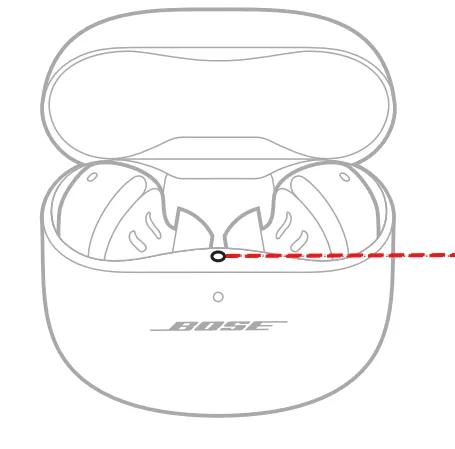
The earbuds status light is located on the inside surface of the charging case.Note: Upon opening the case or placing the earbuds in the case, the status light will blink white for approximately 5 seconds until the battery status is displayed.
Bluetooth status
Shows the Bluetooth connection status to mobile devices
|
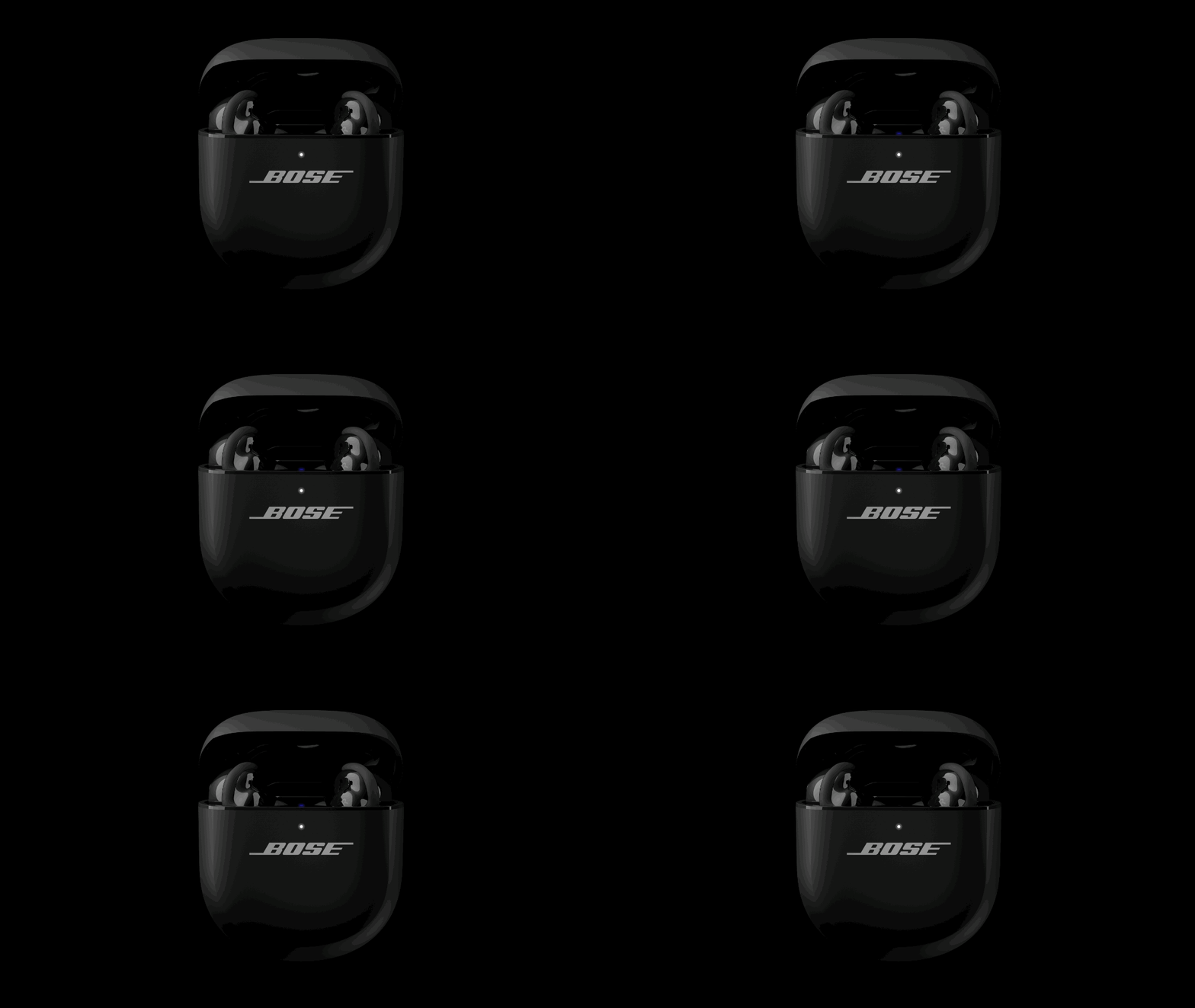
Slowly blinks blue |
Ready to connect |
 |
|
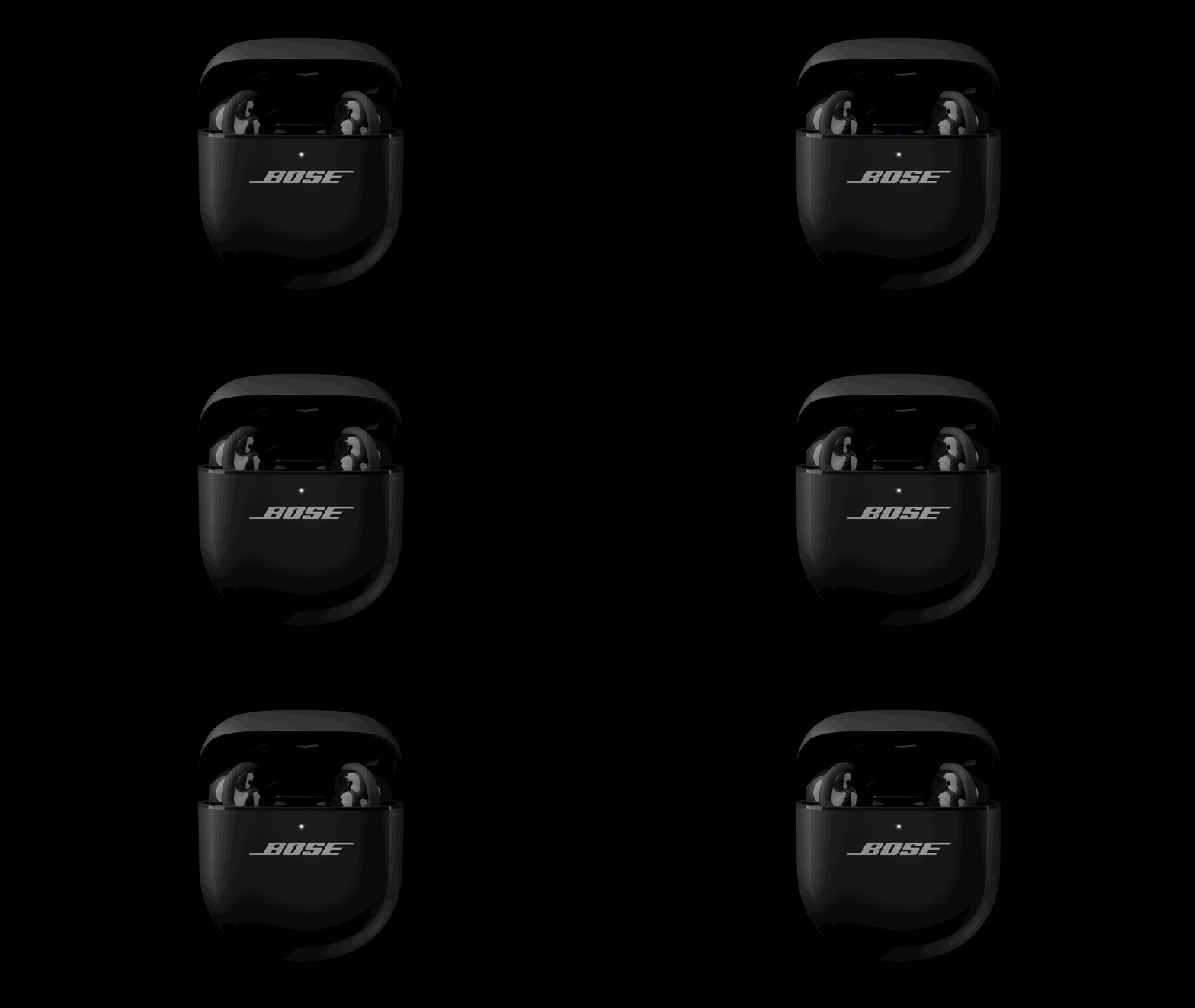
Quickly blinks blue |
Connecting |
 |
|
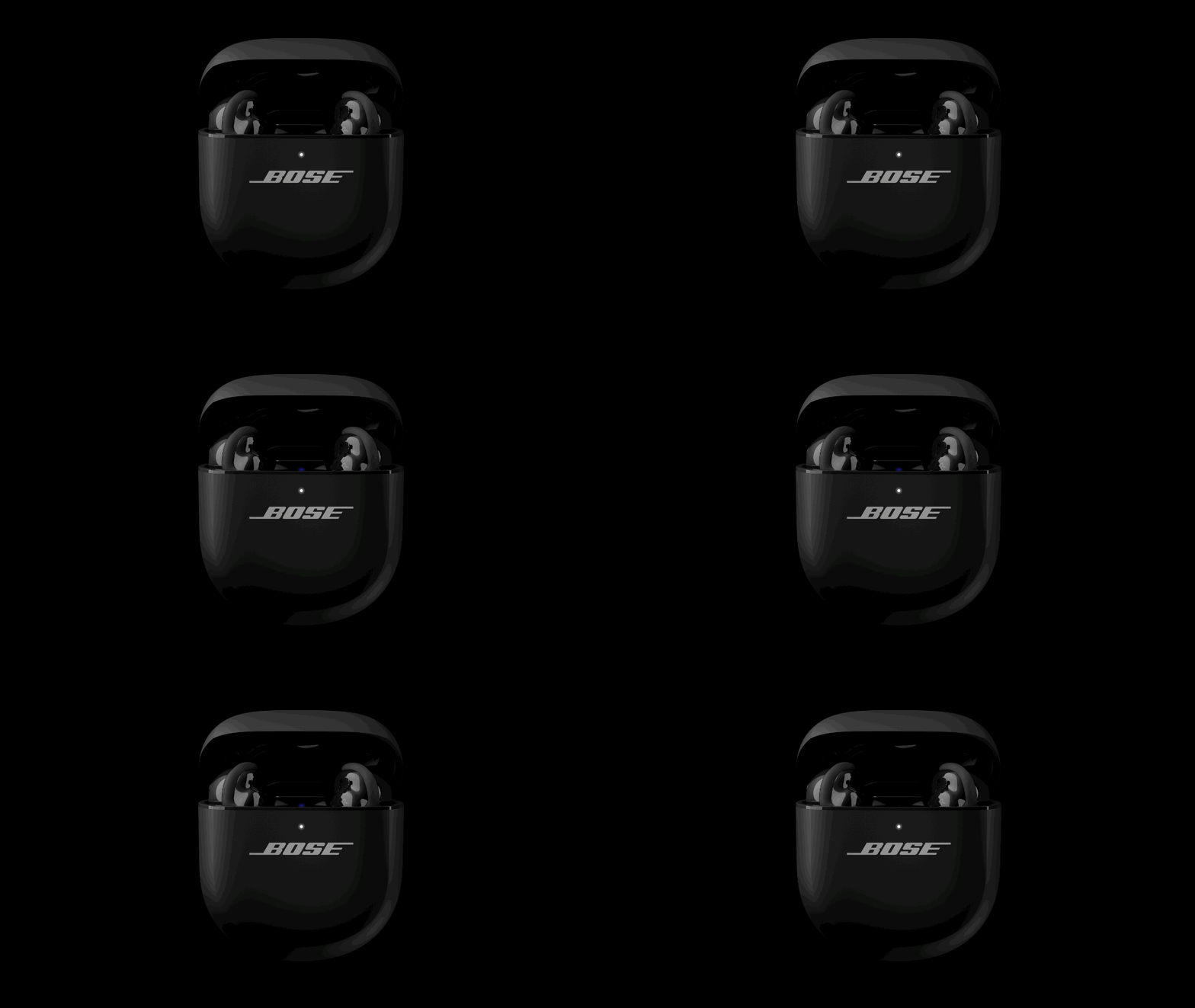
Solid blue (5 seconds) |
Connected |
 |
|
Blinks white twice |
Device list cleared |
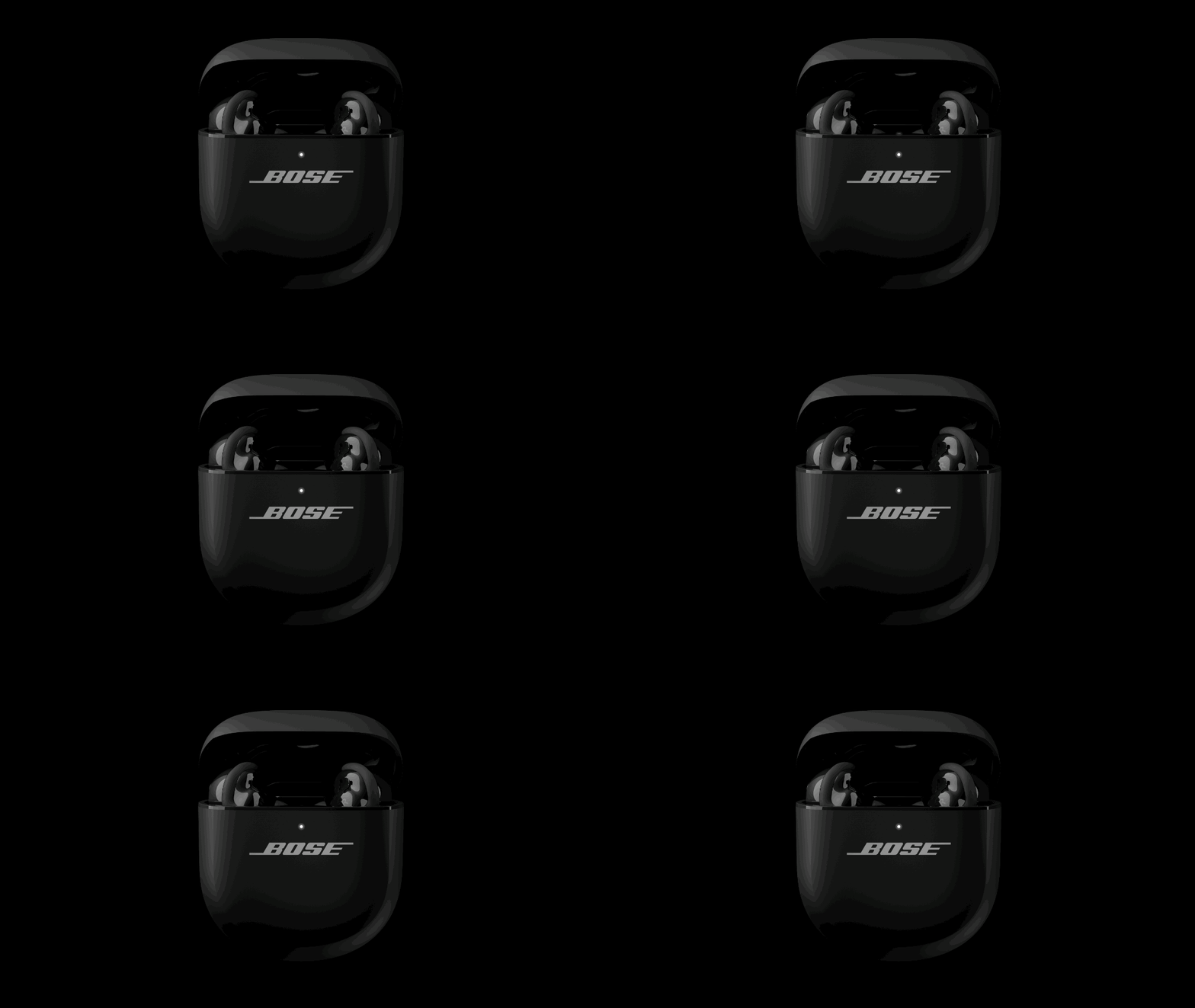 |
Battery status
Shows the earbud battery charge level, update, and error status
|
Solid white (10 Minutes) |
Fully charged |
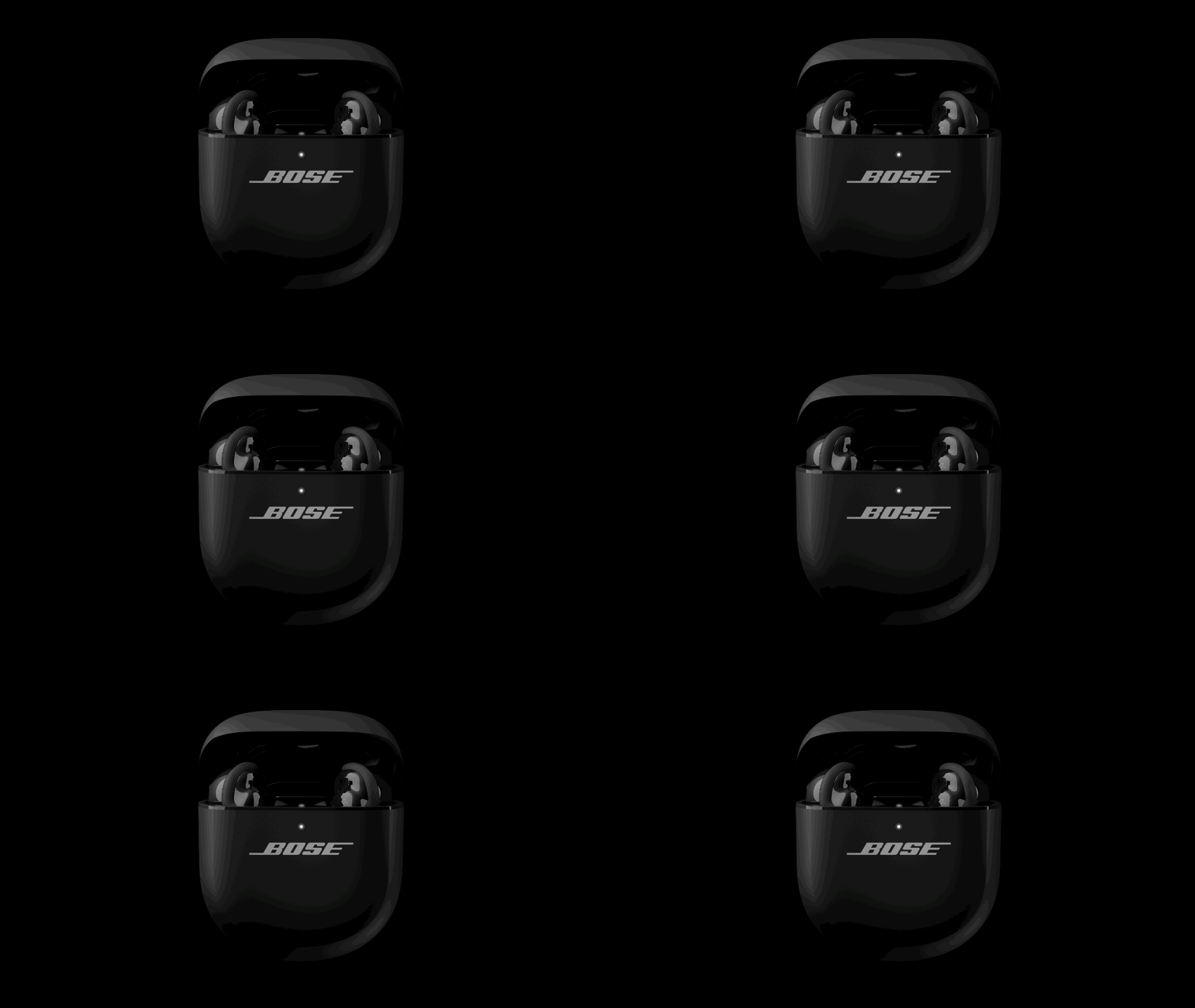 |
|
Solid amber (10 Minutes) |
Charging |
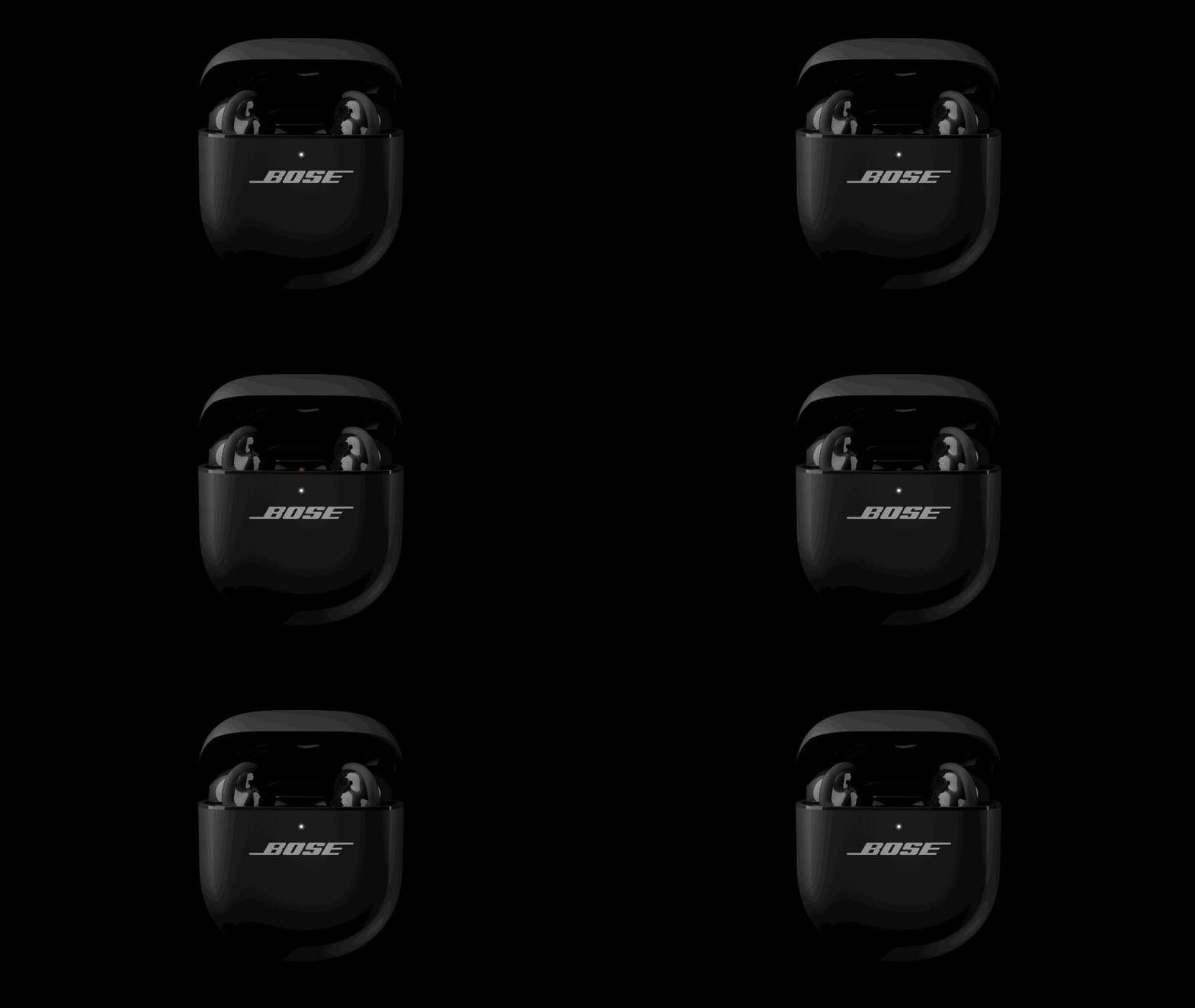 |
|
Blinks white twice, slowly blinks blue, |
Reboot complete |
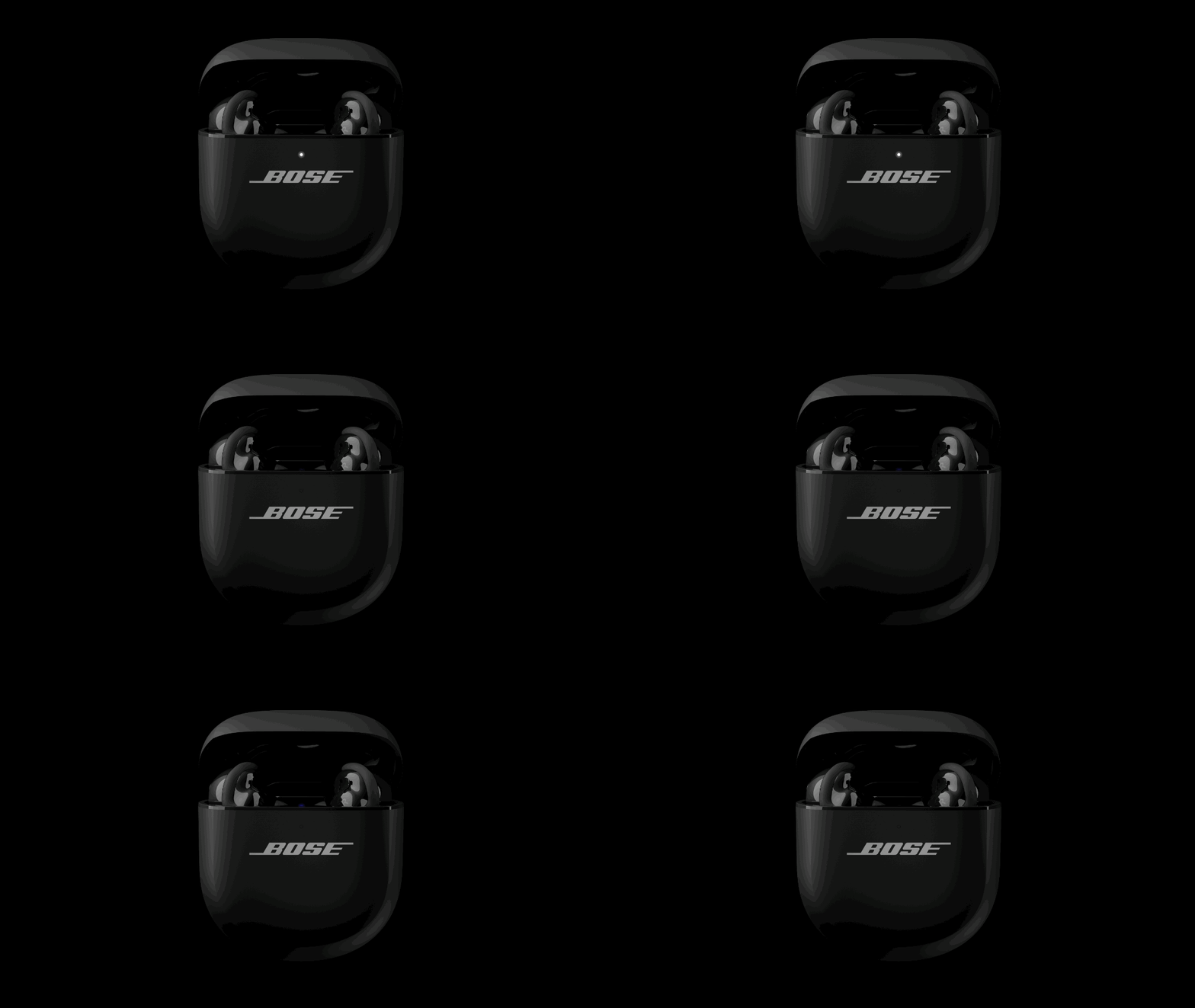 |
|
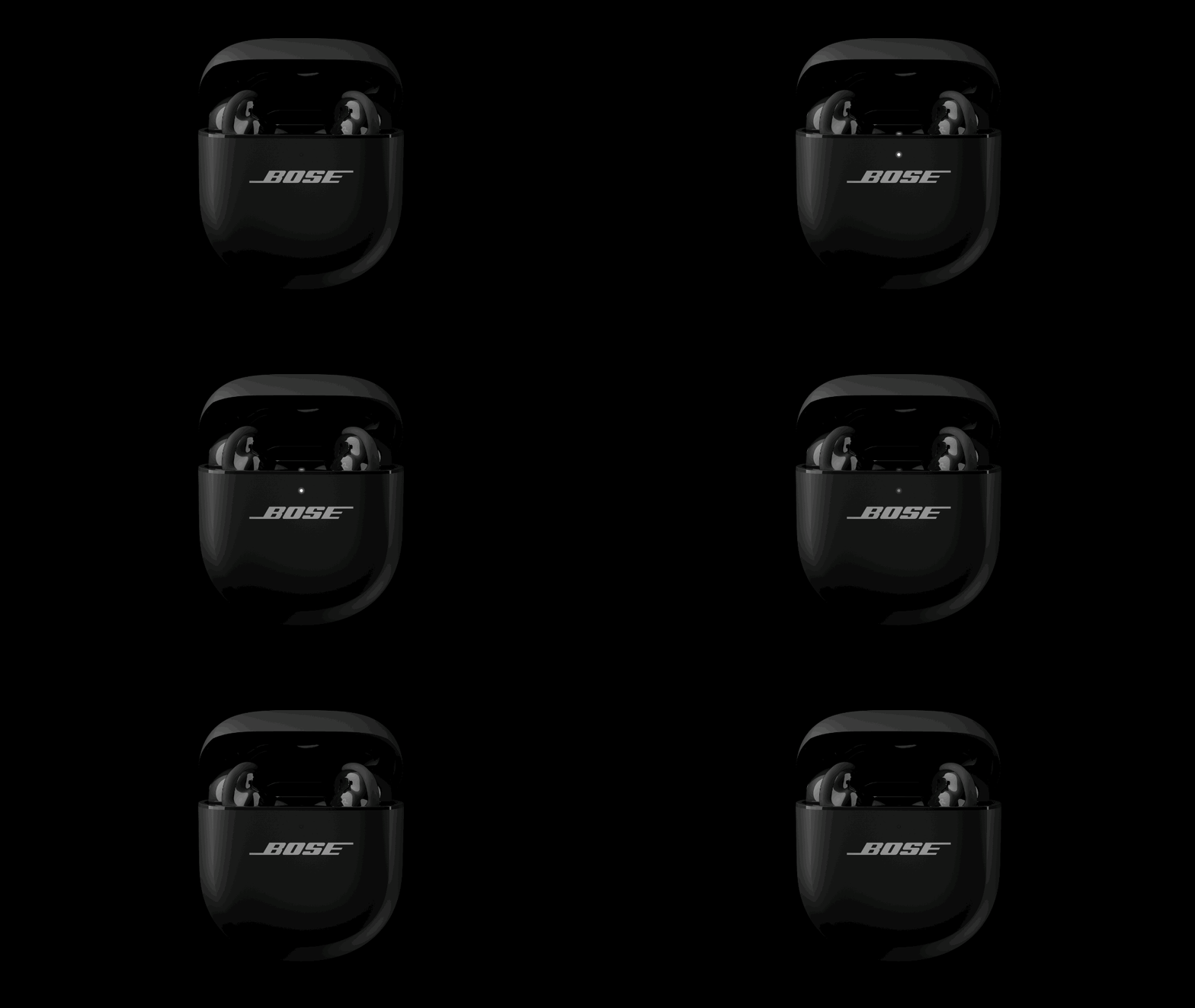
Blinks white 3 times (repeated) |
Updating firmware |
 |
|
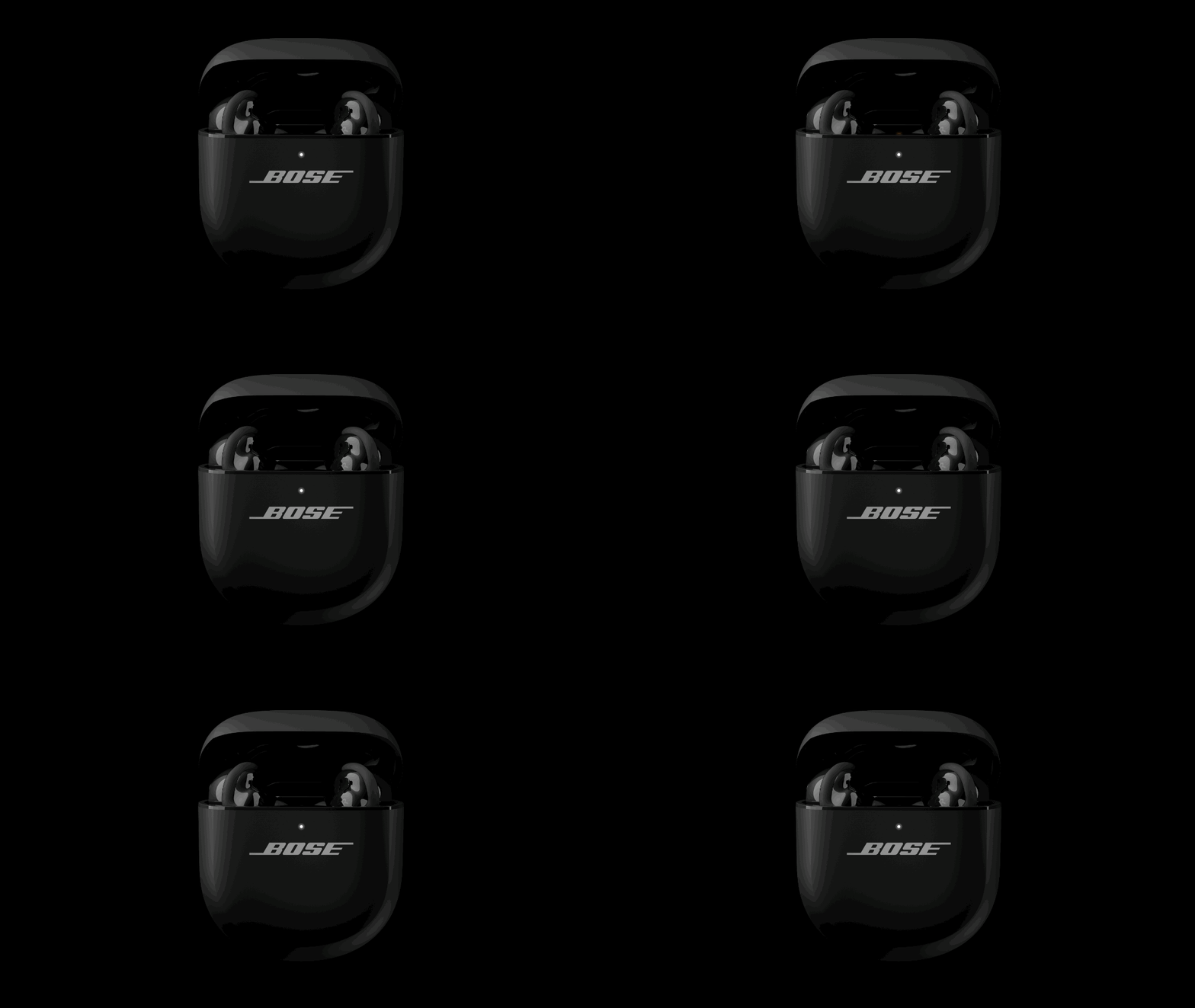
Blinks amber (3 seconds), then turns off |
Restoring factory settings |
 |
|
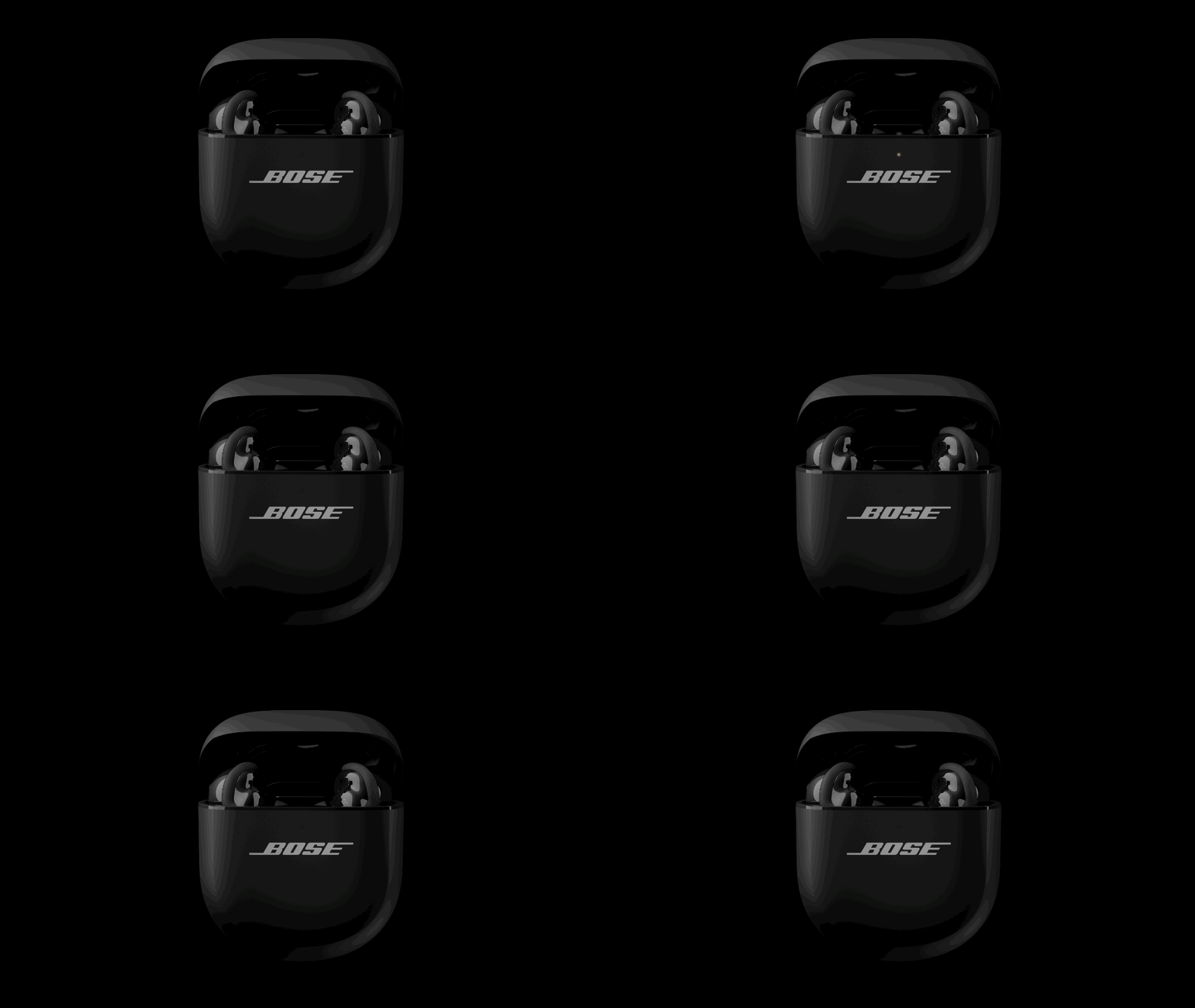
Blinks amber and white
|
Error, contact Bose customer service |
 |
Charging Case Status Light
The charging case status light is located on the front of the charging case.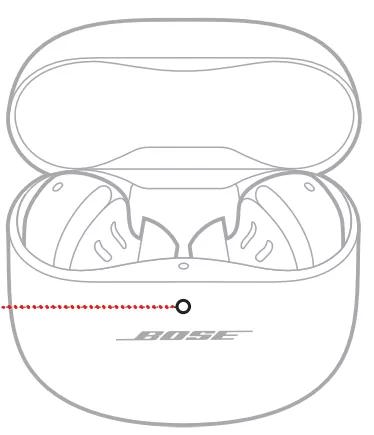
Battery status
Shows the charging case battery charge level, update, and error status
|
Solid white |
Fully charged (100%) and |
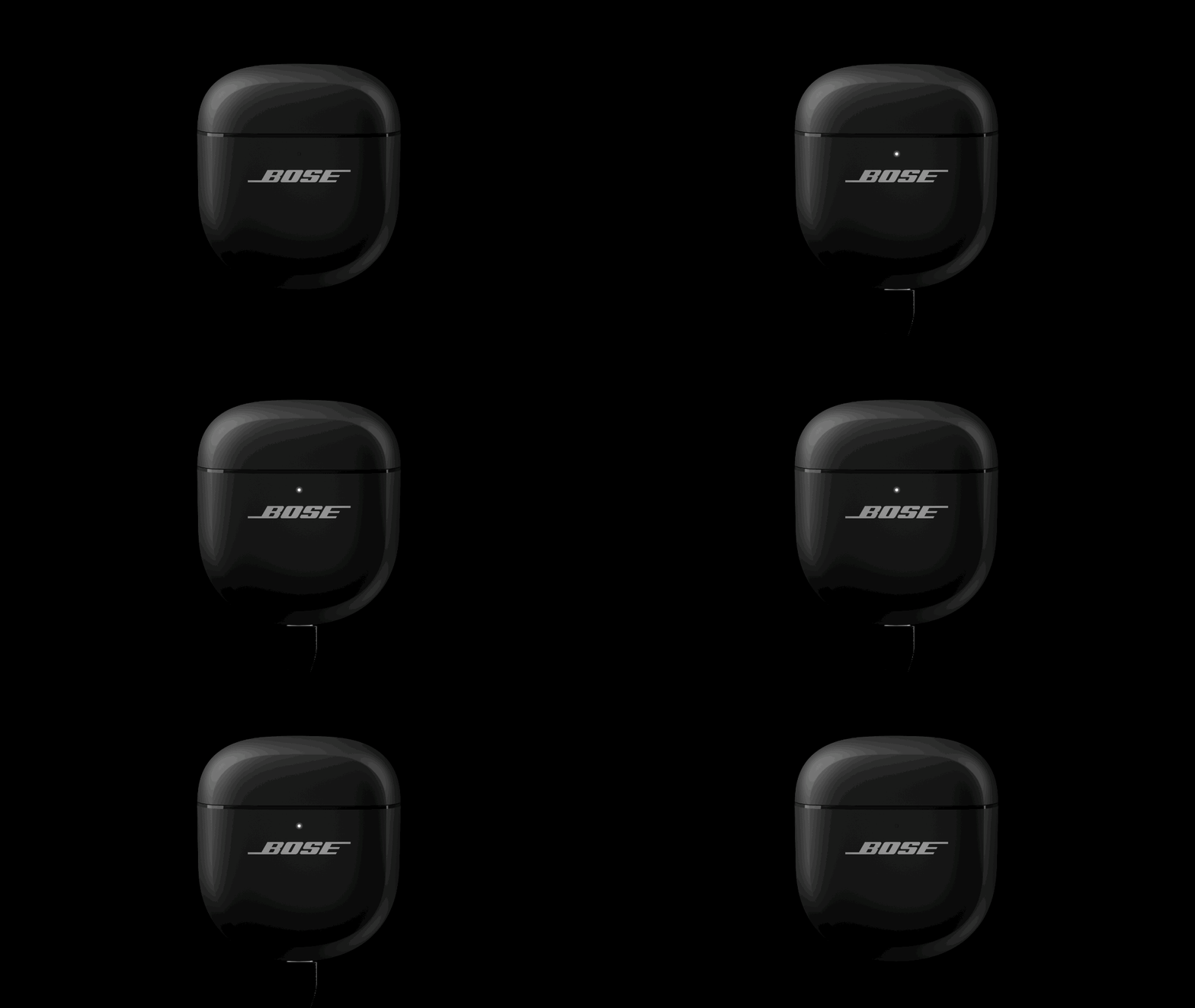 |
|
Solid white (5 seconds) |
Charged (34% – 99%) |
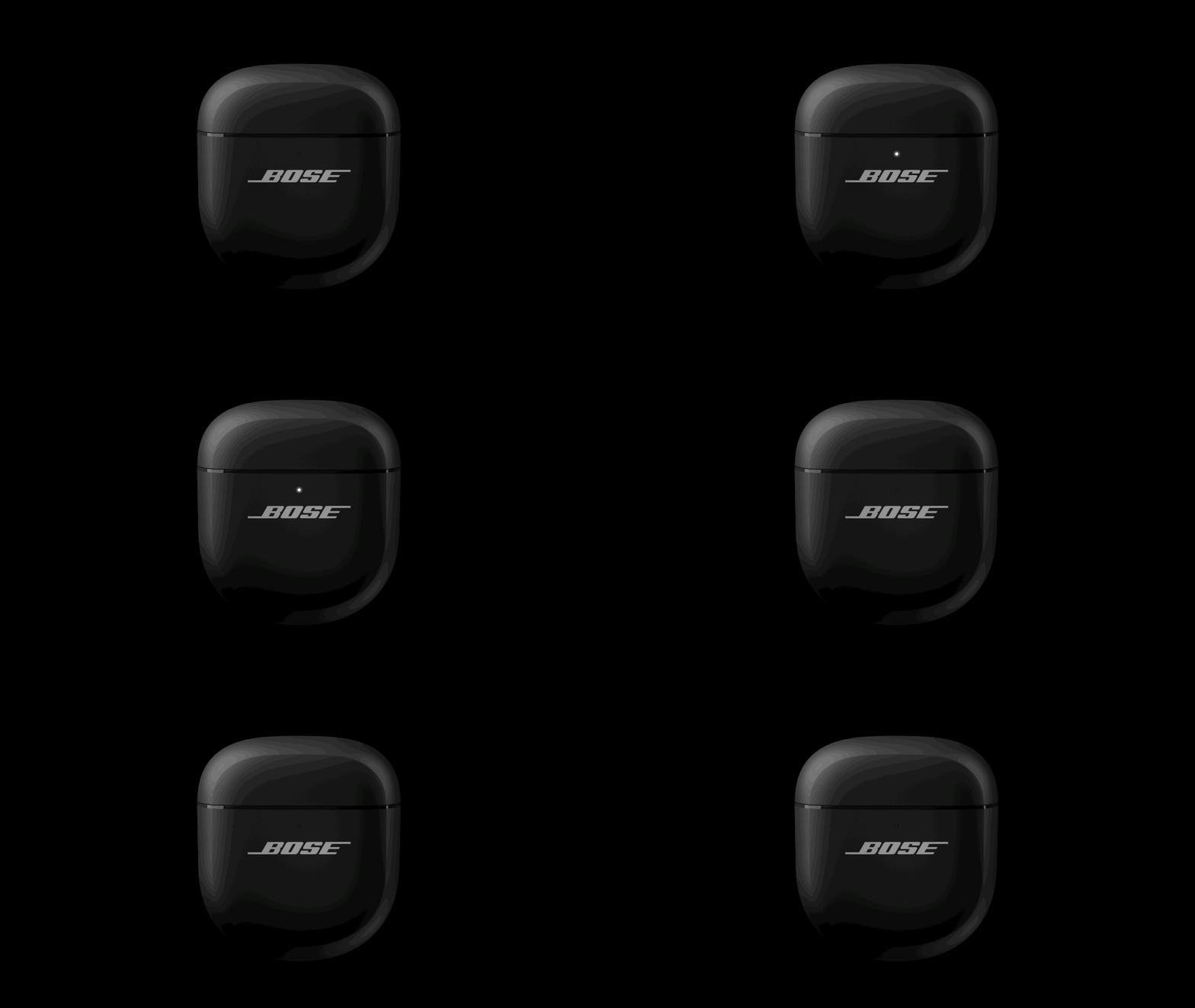 |
|
Solid amber (5 seconds) |
Low charge (10% – 33%) |
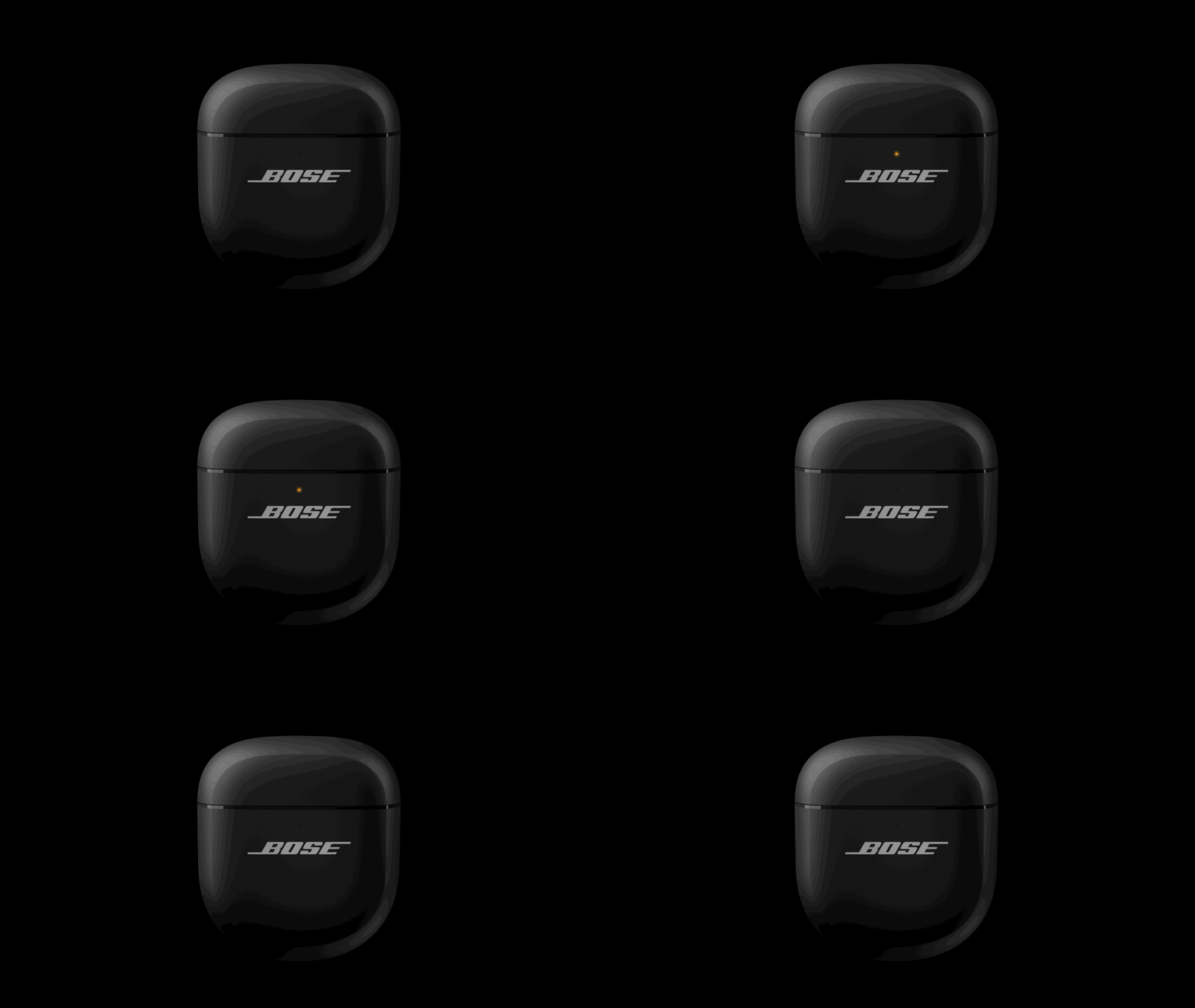 |
|
Blinks amber 2 times |
Need to charge (less than 10%) |
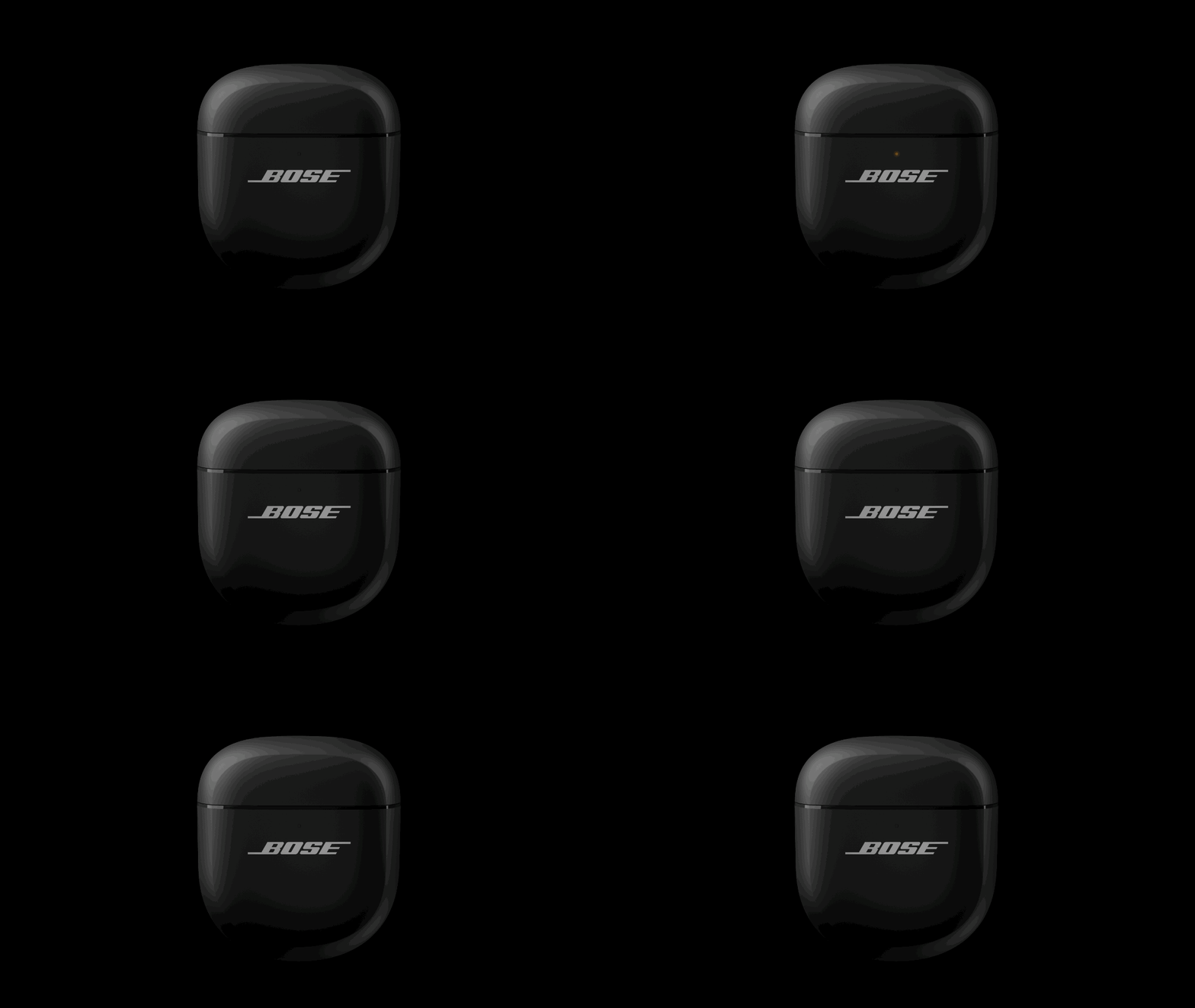 |
|
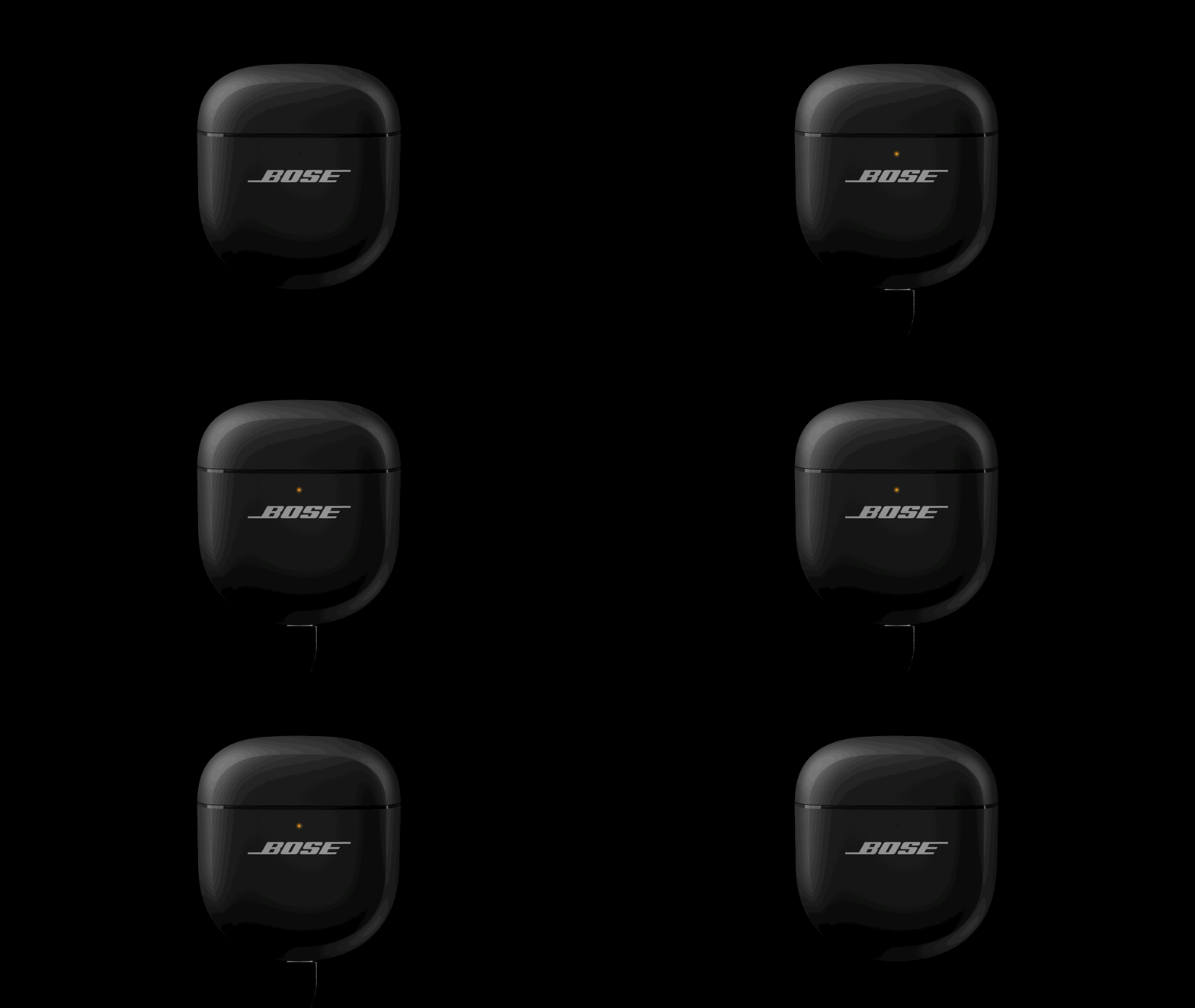
Slowly pulses amber |
Charging and connected to power |
 |
|
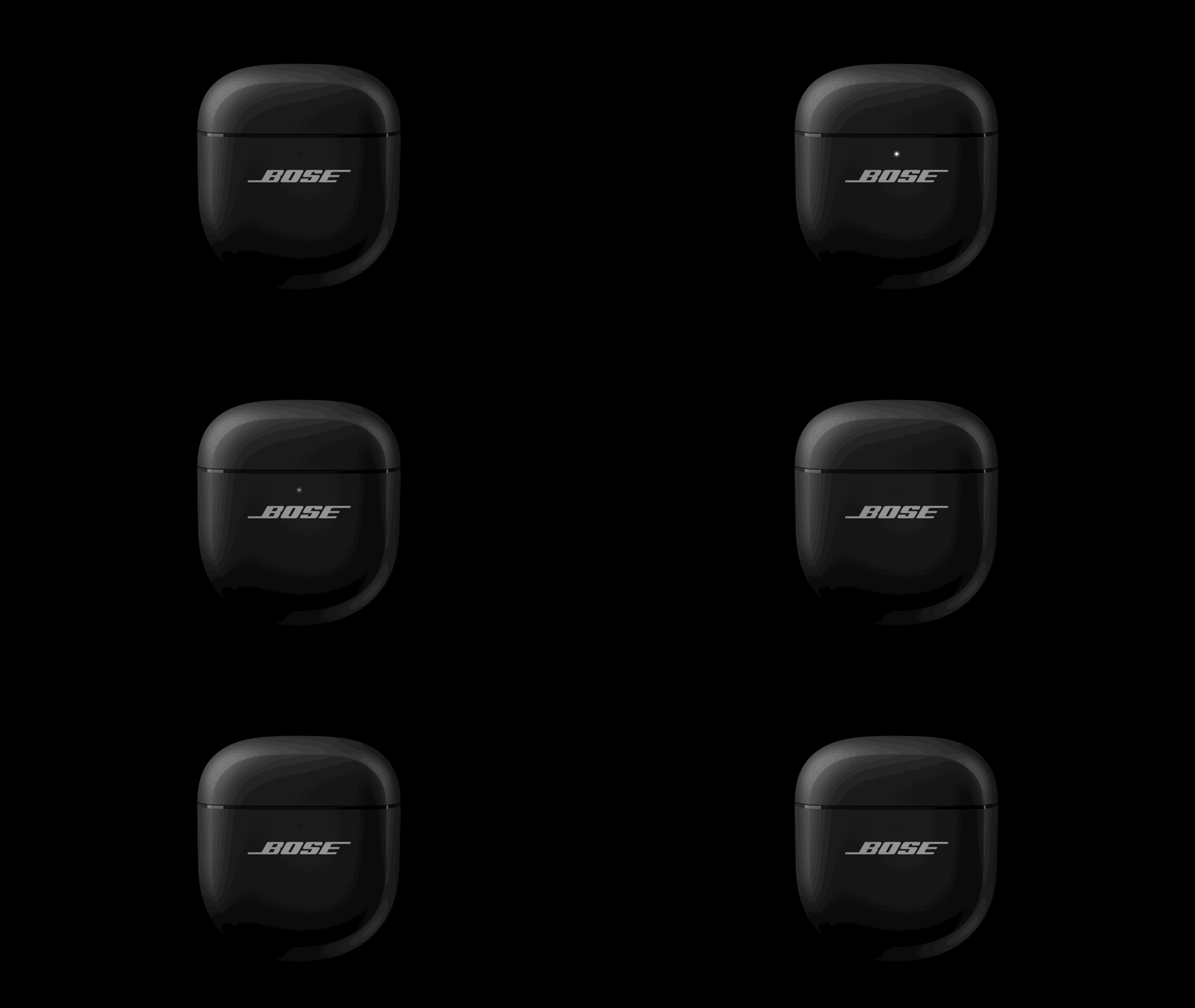
Blinks white 3 times (repeated) |
Updating software |
 |
|
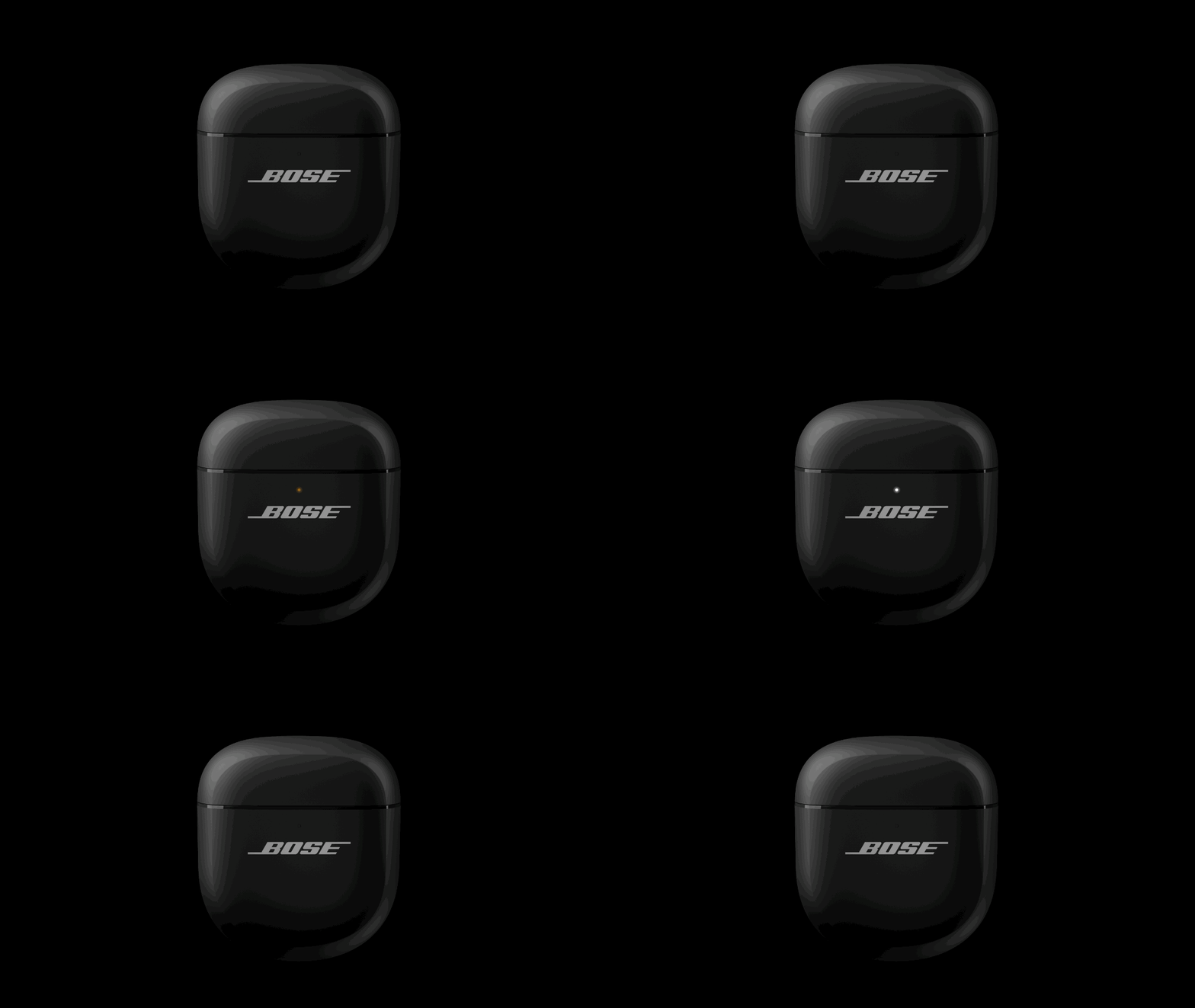
Blinks amber and white |
Error – contact Bose customer service |
 |